The 13 Most Useful Apps for Deaf and Hard of Hearing in 2026
There are many apps for deaf people that can help with communication, hearing, and accessibility. Learn about the top ones in this helpful guide.


If you’re Deaf or hard of hearing, you’ve probably tried a handful of apps already. Some helped. Some didn’t. Some were great in theory… and frustrating in real life.
And every year, the list keeps growing, which makes it harder to know what’s actually worth downloading.
That’s why we put this guide together.
Below, you’ll find 13 of the most useful apps for Deaf and hard of hearing people in 2026, organized by real-world needs like phone calls, in-person conversations, work meetings, sound awareness, and social settings. These are tools people actually use, not just apps that sound good on paper.
The 13 Most Useful Apps for Deaf & Hard of Hearing People (2026)
1) Nagish (Captioned Calling)
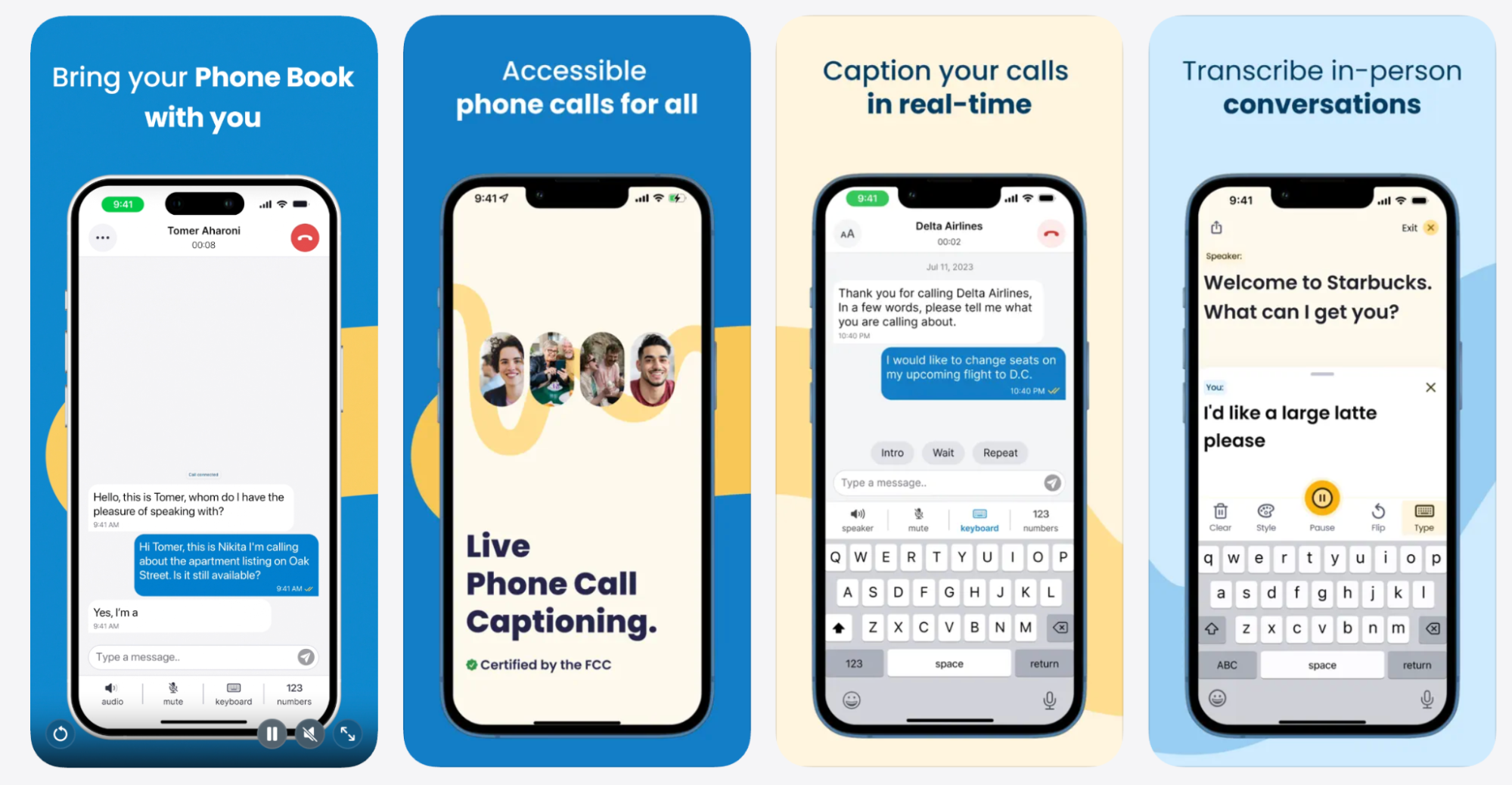
Nagish offers free real-time captioning for phone calls using AI-powered speech-to-text and text-to-speech, so one side of a call can type + read, while the other side can speak + listen naturally. Conversations stay 100% private, and you can also keep your current phone number.
Nagish is FCC certified, making it an approved captioned calling solution for eligible users.
Many other features are included, such as:
- Light/dark mode
- Save transcripts of past conversations
- Customizable voicemail greeting
- Optional profanity filter
- Option to type or voice
- Caption your speech in real-time
- Caller ID support
- Quick call history + transcript search (easy to find past conversations fast)
- Copy/share transcripts (great for appointments, work calls, important details)
- Built-in privacy protections (calls and captions are not used for advertising)
- Demo call try-it mode (helps new users test features before making real calls)
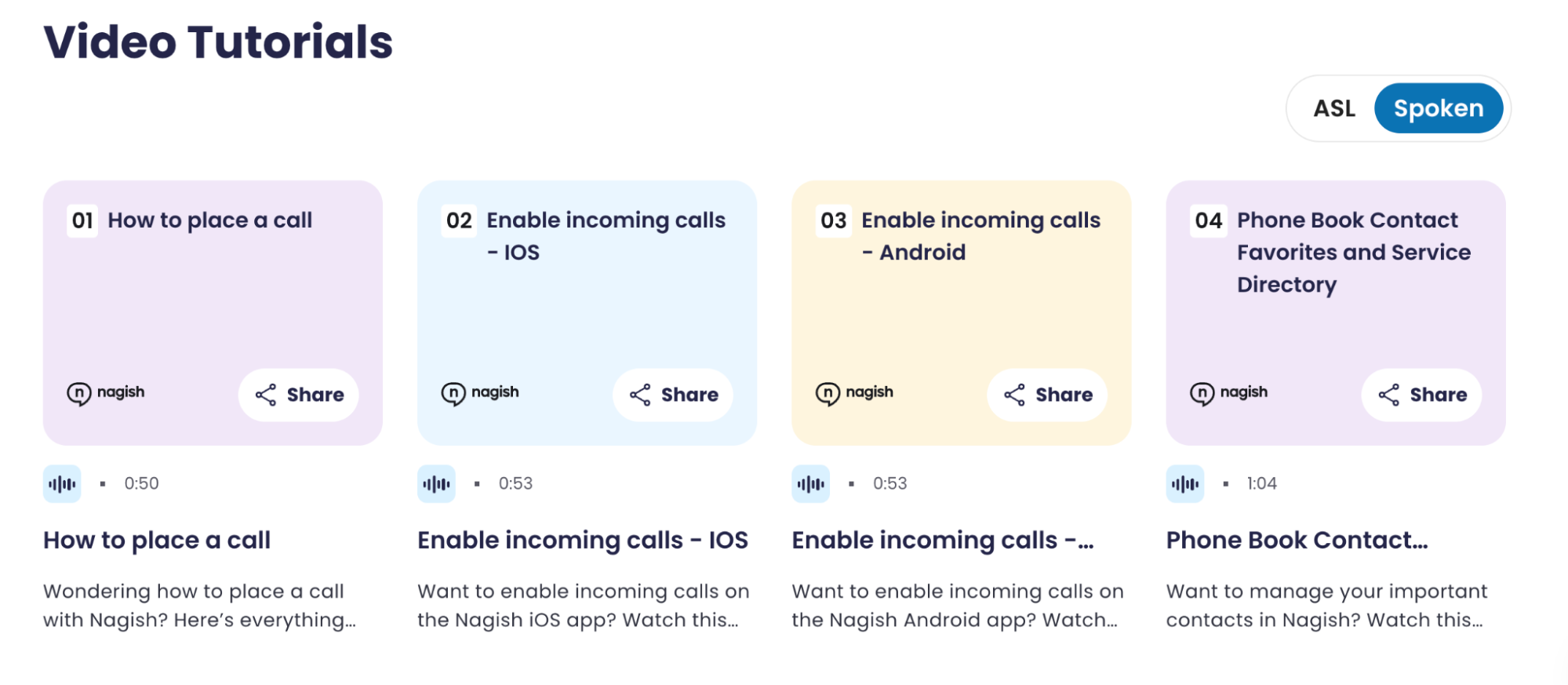
Nagish created a library of bite-size video tutorials for all its features available in ASL or spoken, proving to be helpful and committed to a community-first approach.
2) Nagish Live Transcribe (In-Person Conversations)

Nagish Live Transcribe supports real-time transcription for face-to-face conversations and surrounding speech. This feature is offered for free to Nagish users.
Helpful features include:
- Fast live transcription
- Ad-free experience
- Adjustable font sizes
- Flip mode for easier shared viewing
- Option to type responses
3) FaceTime (Video Communication)

FaceTime on iPhone makes it easier to communicate visually, especially for sign language users and anyone who benefits from facial cues, reducing misunderstandings and fatigue in fast-moving conversations.
Depending on device and region, FaceTime can support:
- Live captions (language availability varies)
- SharePlay and screen sharing
Best Apps for Sound Recognition & Alerts
4) Sound Notification (Android)

This apps provides alerts for environmental sounds that help detect and alert users to important sounds like: doorbells, knocking, alarms, and sirens.
This versions also includes speech-to-text tools.
Sound detection accuracy depends on microphone quality, device settings, and background noise.
Best Apps for Work
5) Boostlingo (Remote Interpretation)
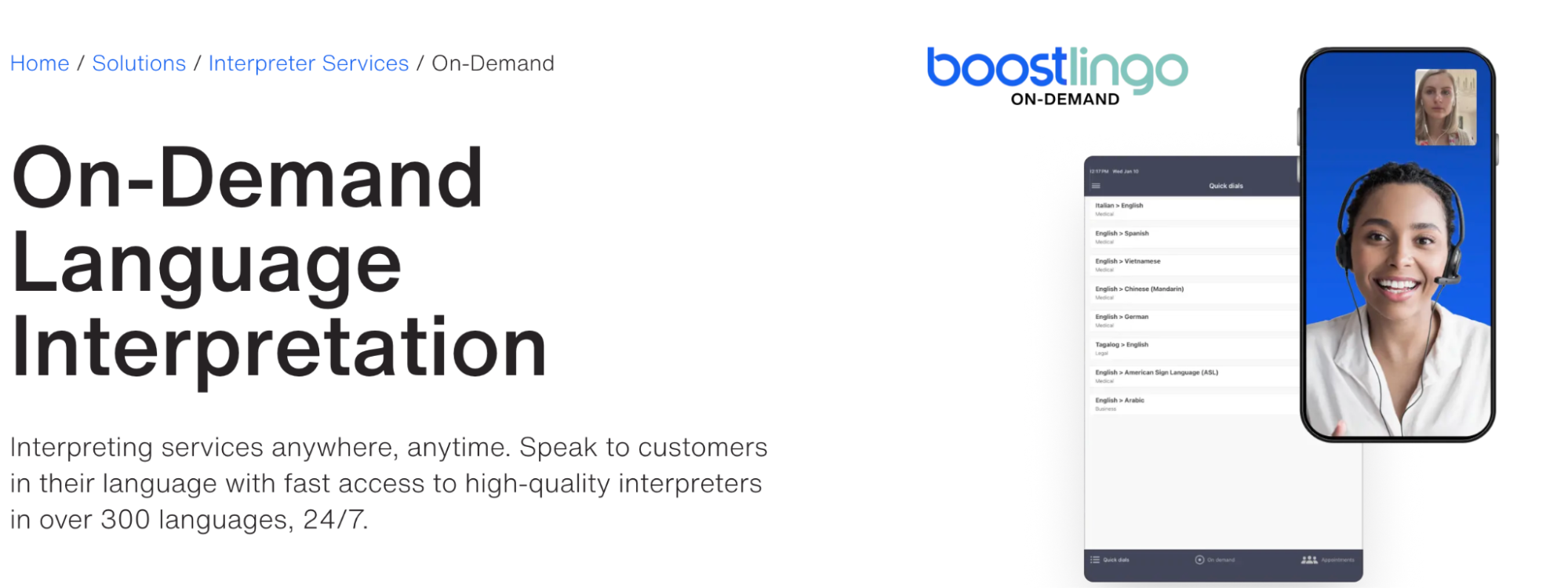
This app works for interpreting support for meetings, appointments, or workplace communication. Boostlingo provides video remote interpretation (VRI), helping users connect with interpreters when needed.
For some users and situations, interpretation can support clearer communication in high-stakes environments (medical, workplace, government services).
6) Otter.ai (Meeting Transcripts & Notes)

Otter.ai provides transcription tools for meeting notes and workplace documentation that can help with:
- live meeting transcripts
- summaries
- searchable notes
- highlighting key moments
Otter has free and paid tiers, and availability/features may vary by platform.
7) Notes Voice Memos (iOS)

Built-in apps like Notes, Voice Memos (iOS) can be surprisingly helpful for Deaf and hard of hearing users, especially in situations where you want to capture key information quickly. You can use it to save names, instructions, appointment details, or reminders, and revisit them later without relying on memory alone.
8) Recorder (Android)

Recorder automatically transcribes and labels what you record so that you can easily find the parts that matter to you. Save, edit, share, listen to later, or even summarize.
9) Google Meet
Video meeting apps like Google Meet can support live captions and transcripts, depending on the device, language, and plan. This can make it easier to follow group conversations, keep up with fast speakers, and review important points afterward. For many users, captions are especially useful in meetings where multiple people speak or audio quality isn’t consistent.
10) Zoom (Video Meetings & Live Captions)

Zoom is widely used for work meetings, classes, and virtual events, and it includes built-in accessibility features that can support Deaf and hard of hearing users.
Depending on the account type, device, and language settings, Zoom can offer:
- Live captions (automatic or human-generated)
- Optional meeting transcripts
- Customizable caption font size and display
- Keyboard shortcuts and chat-based communication
Captions can help users follow fast-paced discussions, identify speakers, and stay engaged in group meetings where audio quality or overlapping speech might otherwise make communication difficult. Caption accuracy and availability may vary based on the speaker, background noise, and whether captions are enabled by the meeting host.
Best Apps for Social Settings
11) Marco Polo (Video Messaging)
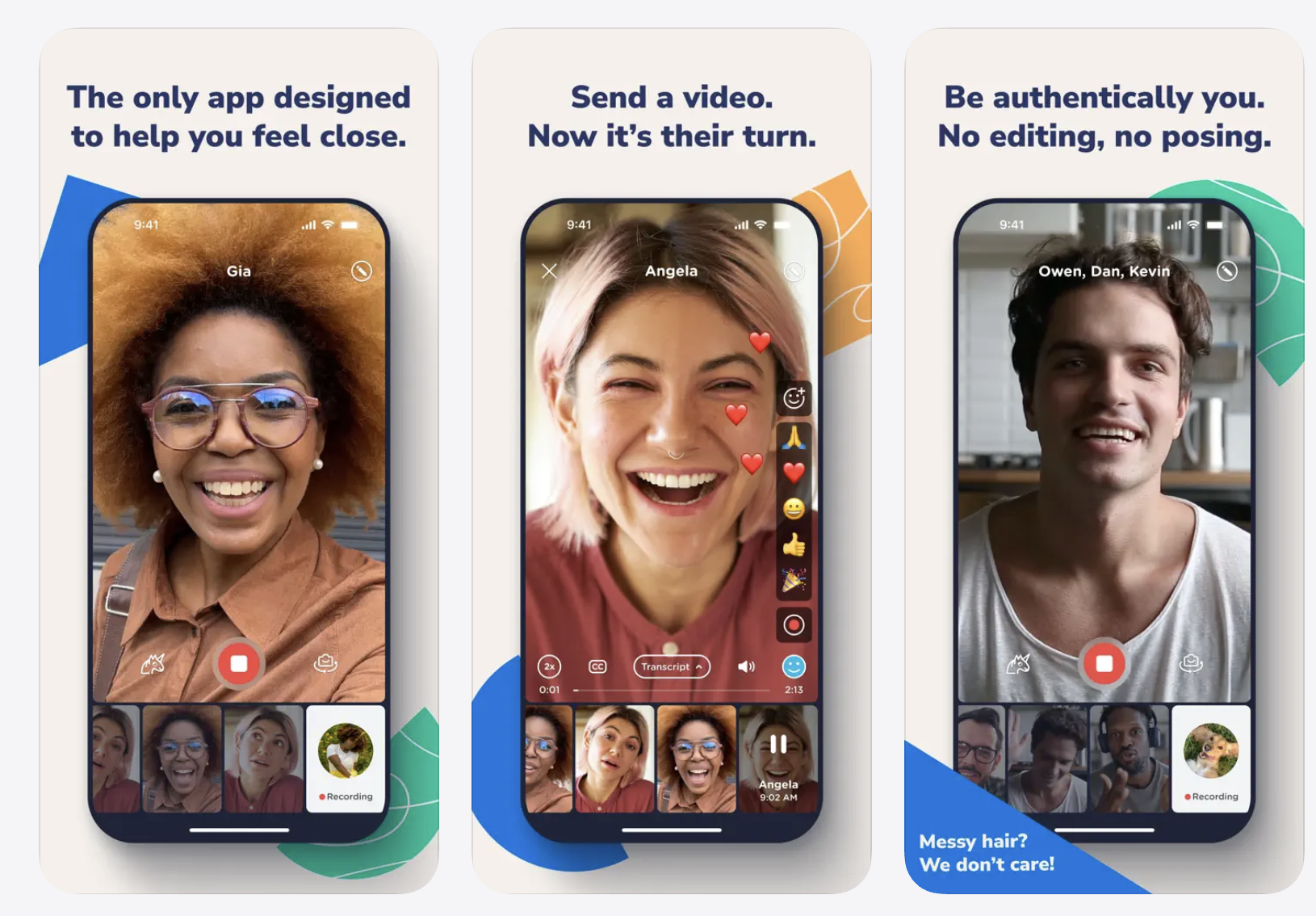
Marco Polo is a video messaging app that allows users to communicate visually without needing to be live at the same time.
It’s a useful tool because video messaging can be more accessible than voice notes for many Deaf/HoH users.
12) Shazam (Music Identification)
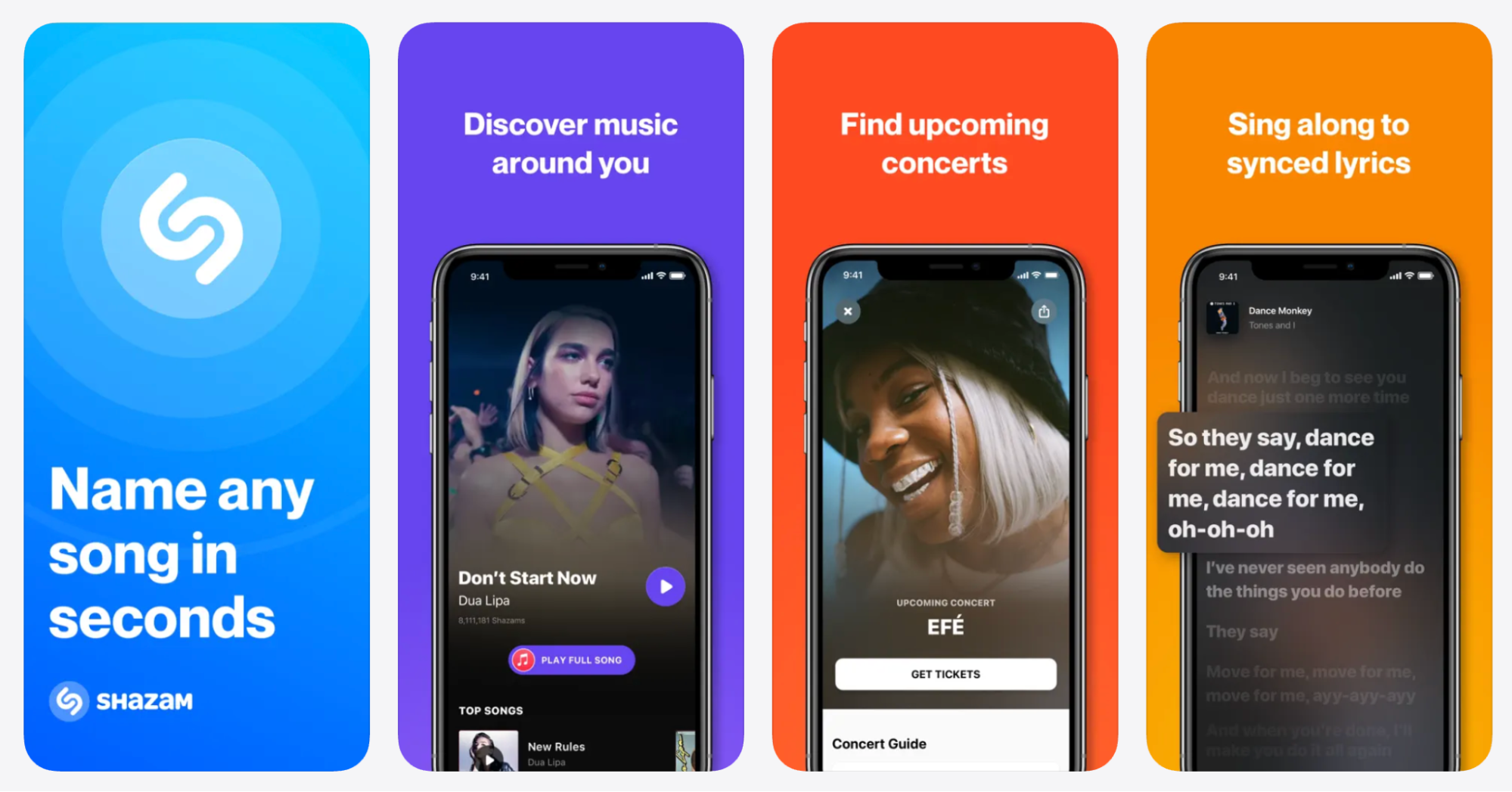
Shazam helps identify what song is playing and often provide lyrics, making it easier to follow along during social moments, events, and group hangouts.
13) Sound Amplifier (iOS & Android)
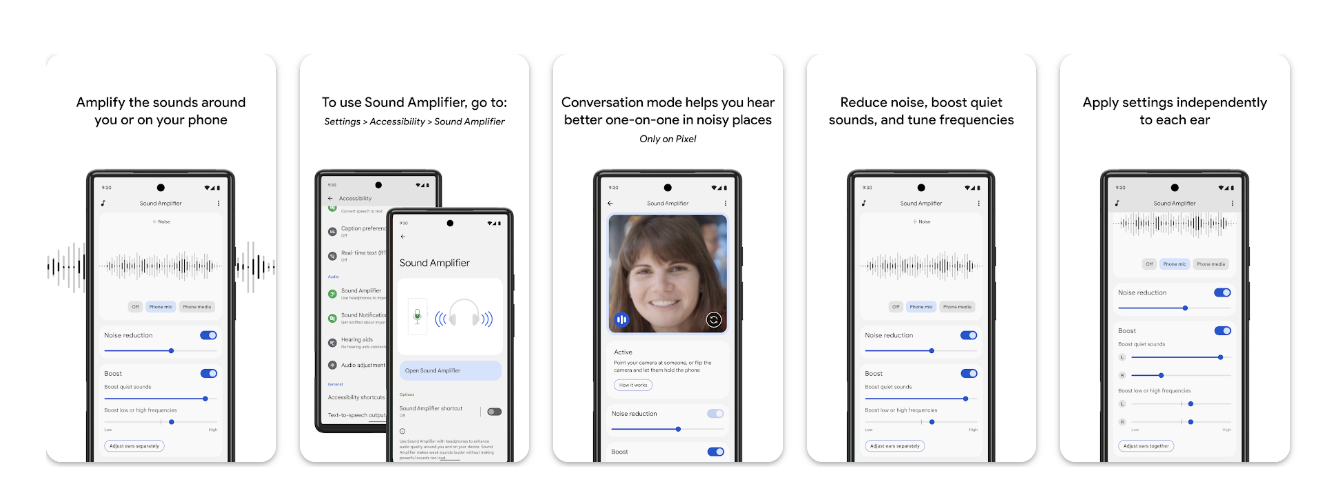
Sound Amplifier is primarily an Android accessibility feature/app. On iOS, Apple has alternatives (Live Listen, Headphone Accommodations)
Sound Amplifier tools can help improve clarity by:
- boosting nearby audio
- filtering some background noise
- supporting headphones / Bluetooth audio
Results vary based on environment and device setup.
Honorable Mentions
Deaf Wake
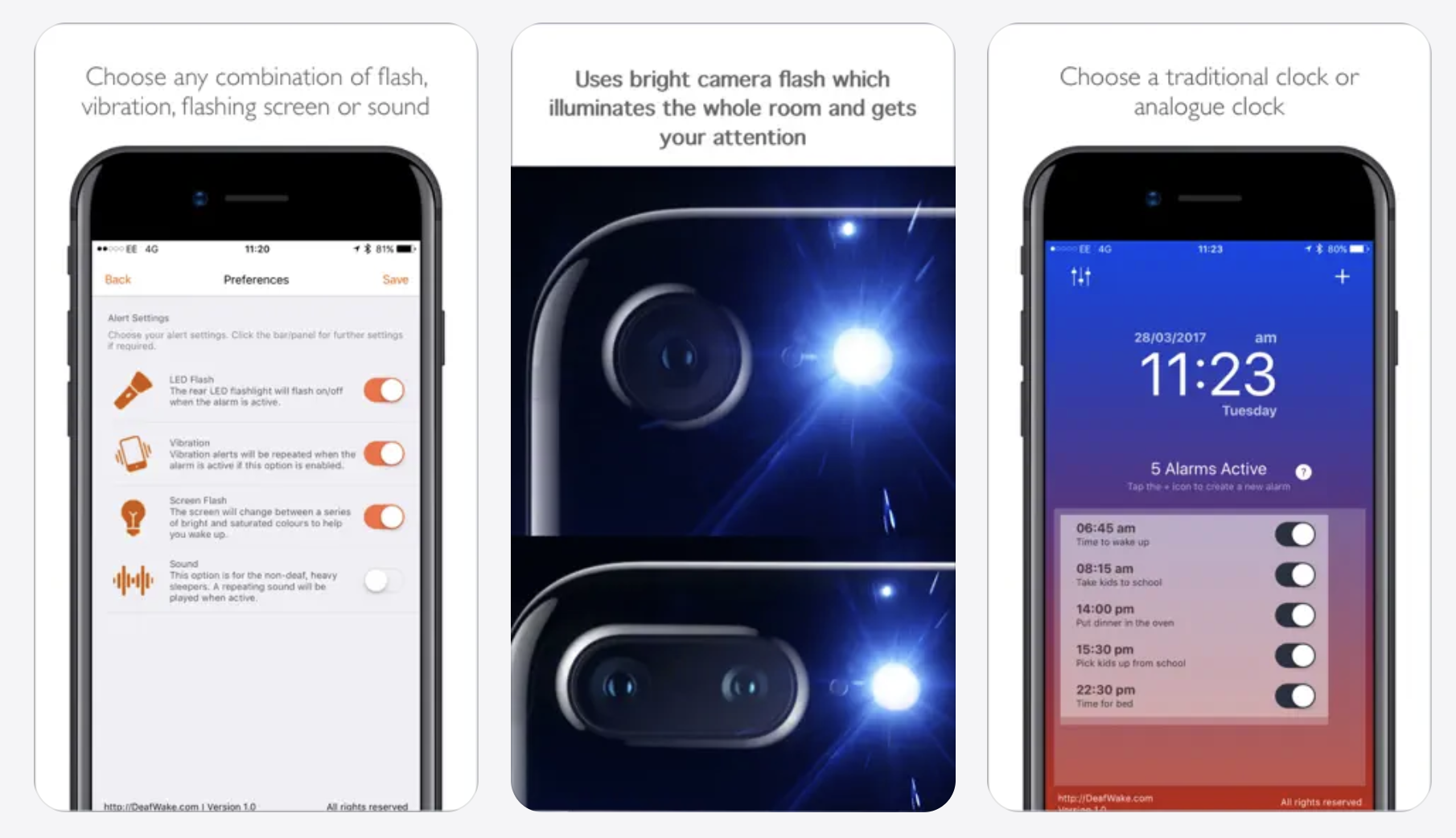
Best for: stronger alarm visibility
Deaf Wake helps create visual and vibration-based alarm alerts, including flash and screen effects.

Best for: accessible messaging worldwide
WhatsApp supports text, group chats, and video messages — which can be especially useful for communication across countries without standard SMS limitations.
Google Maps

Google Maps helps make everyday navigation easier with step-by-step directions, visual route guidance, public transit info, and location sharing. For Deaf and hard of hearing users, having clear written directions and real-time map updates can reduce confusion in busy environments and help support independence when traveling alone or meeting others in new places.
How to choose the right accessibility app
- If your biggest barrier is phone calls → captioned calling
- If you struggle most in person → live transcription + sound alerts
- If work meetings are hardest → meeting transcription + interpretation
- If social settings are hardest → video messaging + music ID
Before downloading anything new, it’s worth checking the built-in accessibility tools already on your phone. Many people miss features that are already included in iOS and Android.
Setting Up Your Phone (Before You Download Anything)
Before jumping into apps, take 2 minutes to review your device’s accessibility settings. These features can improve daily communication without installing anything.
iPhone Settings
- Sound Recognition lets your phone detect certain sounds and notify you of them. Some examples are fire/siren/smoke alarms, animal sounds, appliances, car horns, doorbells/knocking, water running, baby crying, and many others.
To set it up, go to Settings > Accessibility > Sound Recognition > toggle on > select the sounds you wish to be notified of.
- Live Listen is a great functionality for hard of hearing individuals as it helps hear conversations more clearly in noisy areas and is compatible with AirPods or Beats.
- Mono audio is ideal for people with hearing loss in one ear, as you can adjust, balance, and cancel noise according to individual needs.
- RTT and TTY configurations transmit text or audio as you type. However, it’s not supported by all carriers or countries and regions.
- Alerts set up vibration and LED Flash and never miss a message, notification, or call again. To set up, go to Settings > Accessibility > Audio/Visual > LED Flash for Alerts
- Type to Siri gives you access to Siri by typing. To set it up, go to Settings > Accessibility > Siri > toggle on Type to Siri
- Live Captions automatically display captions across all apps. Accuracy may vary.
Android Settings
- Live Transcribe & Notifications help follow live conversations and add subtitles or captions to live content. The deaf community has given Live Transcribe many positive reviews. The developers tested and used feedback from Gallaudet University, and the app now has over one billion downloads.
- Hearing aid compatibility pairs with hearing aids to help hear more clearly.
- RTT and TTY transmit text or audio as you type during live calls.
What’s new in accessibility apps in 2026:
- More apps now support on-device speech processing (better privacy + less delay)
- There’s increased support for live captions across apps (calls, video, social)
- There’s more focus on real-world environments (live announcements, cars, group conversations)
- There’s better Bluetooth LE Audio/hearing aid streaming support on newer devices
Conclusion
There isn’t one “perfect” app for every Deaf or hard of hearing person, accessibility needs vary based on environment, communication style, and daily routine.
That said, many people prefer not to switch between multiple tools throughout the day. In that case, choosing an app that supports both everyday calling and real-time communication access can make things feel simpler and more consistent.
If phone calls are a frequent communication barrier, Nagish offers real-time captions for calls and includes additional features like call history, transcripts, and privacy-focused design, making it a helpful option for many Deaf and hard of hearing users.
FAQs: Apps for Deaf and Hard of Hearing People
What is the best app for Deaf and hard of hearing people in 2026?
The best app depends on how you communicate most often. Many people prioritize apps that offer real-time captions for phone calls, in-person conversations, and everyday communication, with strong privacy protections and easy setup.
Are there free apps for Deaf and hard of hearing users?
Yes. Some accessibility apps are available for free or through approved programs such as FCC-certified apps like Nagish, making real-time captions accessible without monthly fees. Free options are especially helpful for people who rely on captions daily.
How accurate are live captioning and transcription apps?
Accuracy has improved a lot in recent years, but it can still vary based on background noise, speaker clarity, accents, and internet connection. These tools are designed to support communication, not replace interpreters in every situation.
Do captioning apps work in real time?
Yes. Most modern captioning apps provide real-time text during phone calls or conversations using AI-powered speech recognition, with minimal delay.
Do I need internet access to use captioning apps?
Most real-time captioning and transcription features work best with a stable internet connection, especially when AI processing is involved.
Are captioned calls private?
Privacy depends on the app. Some accessibility-focused apps are built to keep conversations private and are not used for advertising or data tracking. For example, Nagish is built with privacy at its core, guaranteeing 100% private conversations and transcripts. Always review the app’s privacy policy before use.
Can I keep my phone number when using a captioned calling app?
In many cases, yes. Some captioned calling solutions like Nagish allow users to keep their existing phone number, making communication easier and more seamless.
Can one app handle both calls and in-person conversations?
Some apps are designed to support both phone calls and real-time transcription for face-to-face conversations, which can simplify daily communication and reduce the need to switch between multiple tools. For example, Nagish offers Live Transcribe as a free service to its users.


Copywriter based in Miami, FL. Leads copywriting workshops and mentors women entrepreneurs at the Idea Center of Miami Dade College.