InnoCaption vs. RogerVoice: Which Real-Time Captioning App Should You Choose?
Read our deep-dive review of InnoCaption vs. RogerVoice captioning apps.
For anyone who is deaf or hard of hearing, the difference between a stressful phone call and a smooth one often comes down to captions that are fast, accurate, and easy to read.
Among the options are: InnoCaption and Rogervoice. Both offer real-time captioning, but their approaches, strengths, and quirks are very different. Here’s how they stack up where it matters most.
What Are Caption Apps?
Caption apps turn speech into on-screen text during phone calls, so you can read what the other person says in real time.
Some rely only on AI speech recognition, while others use live human stenographers for extra accuracy. Beyond live calls, most apps let you save transcripts, caption voicemails, and even respond with text-to-speech if you don’t want to (or can’t) speak.
In the U.S., some caption apps are free through FCC funding, and nearly all work with Bluetooth hearing aids and cochlear implants, such as Nagish.
In short: they’re about independence, confidence, and being heard (and understood).
With the basics covered, let’s take a look at available options.
InnoCaption
Community Ratings & Reviews
Users have an overall positive opinion of it; however, some Redditors tend to highlight issues with accuracy and reliability, based on discussions shared in Reddit communities such as r/deaf and r/accessibility.
Frequent users often note how dependable the service feels day after day. Occasional nitpicks center on setup steps like forwarding, but once configured, it largely gets out of your way.
Compatibility
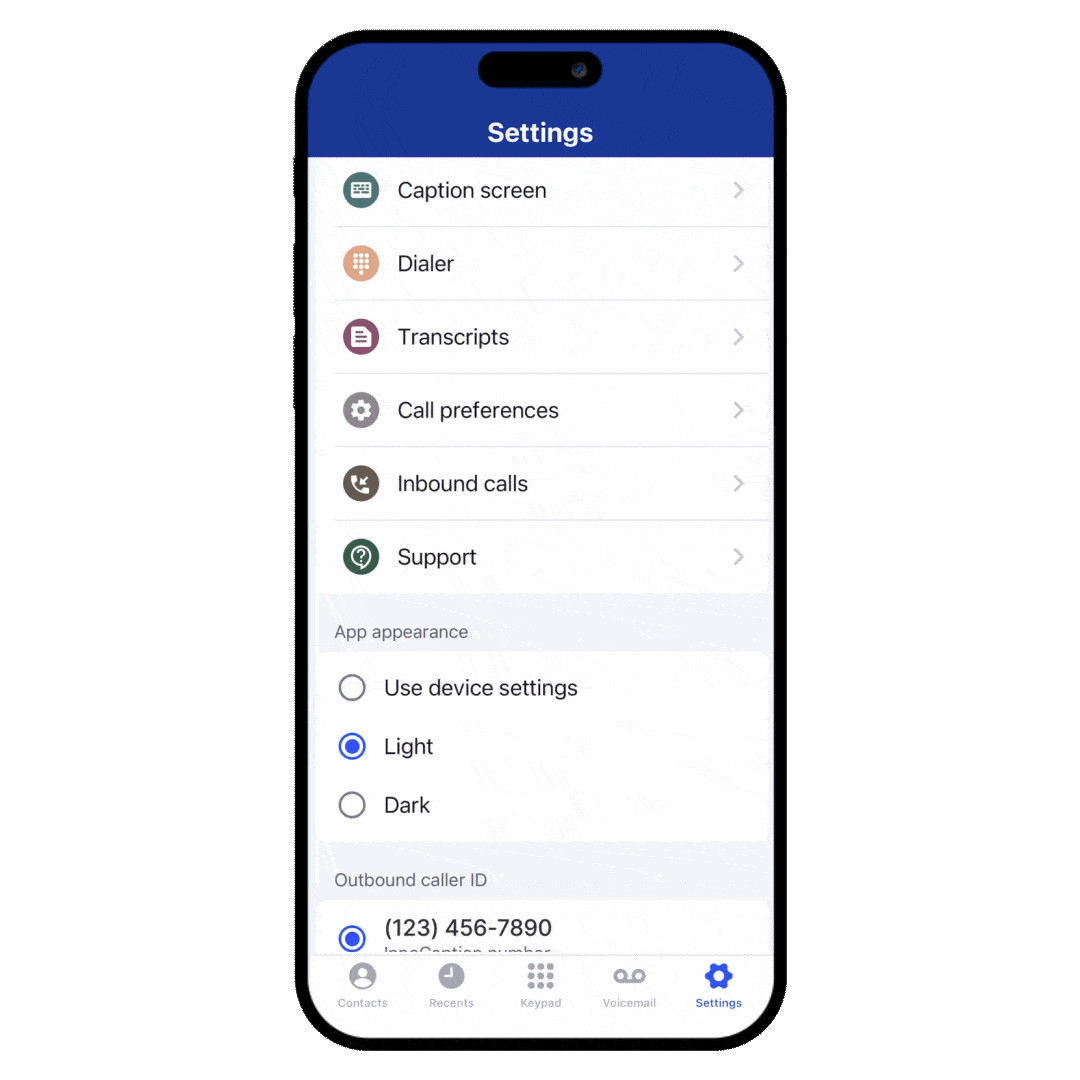
On both iOS and Android, InnoCaption integrates with hearing aids and cochlear implants. Calls stream audio directly to your device, and captions display on screen.
According to user reviews on the app store, some have noted that there's no confirmation bubble that pops up asking to disconnect Bluetooth-compatible hearing aids, which would be exceptionally handy. Small thing, but it would prevent awkward fumbling mid-call.
Both InnoCaption and Nagish are apps aimed at people who are deaf or hard-of-hearing. However, for people who value privacy, simplicity, on-the-go use, and captioning more than just calls (like in-person conversations, noisy environments), Nagish offers a more purposeful experience.

RogerVoice
Where InnoCaption focuses on flexibility, RogerVoice’s strength is global communication.
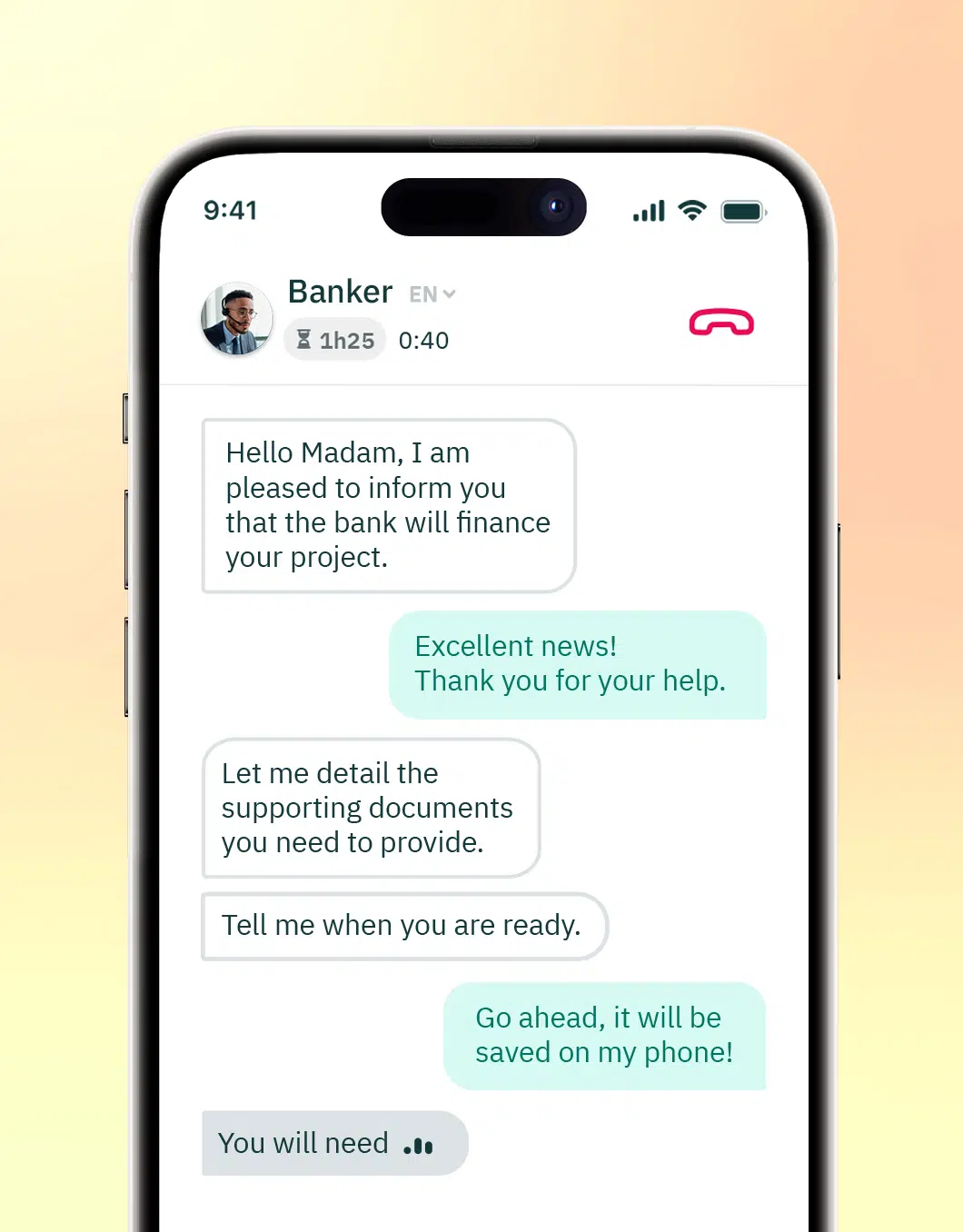
RogerVoice delivers real-time AI captions with a couple of thoughtful twists.
First, type-to-speak lets you type responses the app will voice to the other person, for times when you prefer not to speak (or can’t) or when environment noise is an issue.
Second, broad language support makes it appealing for multilingual families, international calls, and global workplaces.
User Experience
Simple and straightforward: open the app, dial, read captions. There are canned responses (like “Yes” or “Hold on”) to make calls faster.
Inbound calls require a virtual number in some regions, which adds an extra step, but once set up, it’s smooth.
Community Ratings & Reviews
RogerVoice remains consistent with fast captions and good language coverage.
Where concerns appear, they usually point to technical issues with incoming calls, connectivity issues, and the app’s stability.
Some users report people hanging up when they hear the synthetic voice, mistaking it for a robocall.
And, while calling other RogerVoice users is free, calling standard phone numbers requires a paid subscription or purchasing call credit.
Still, for global users and people who want a voice-free workflow, Rogervoice is unrivaled.
Compatibility
Also on iOS and Android, RogerVoice supports Bluetooth hearing aids and implants. If you rely heavily on typed replies, its text-to-speech is a great solution for maintaining call flow without interruptions.
Overall, it’s good for multilingual, AI-first captioning, especially when you want type-to-speak and make frequent international conversations.
InnoCaption vs. Rogervoice
A Quick Word on Nagish

Nagish sits comfortably beside both: an AI-only, privacy-forward calling app with real-time captions, saved transcripts, and smooth support for Bluetooth hearing devices through your phone.
With no human captioners or relays in the loop, it offers fast captions and a clean calling experience.
If you don’t need CART and value simplicity and privacy, Nagish is an excellent modern take; if you want the safety net of human stenographers, InnoCaption remains the natural first choice, and if language breadth is your priority, Rogervoice still leads.
Nagish is also FCC certified, which makes it available for free to eligible users in the U.S. And although their live transcribe feature is not funded by the FCC, they still offer it for free to their community.
The Bottom Line
- InnoCaption: Best for U.S. users who want human captioners.
- Rogervoice: Best for multilingual families, and those who prefer typing to speaking.
- Nagish: Best for privacy-first users who want an all in one solution with simplicity, effectiveness, and speed.
After reading thousands of reviews, the choice is clear: Nagish is the captioning call app that truly delivers what deaf and hard-of-hearing individuals need across every conversation and setting. And on top of its FCC-certified captioned calling, Nagish goes even further by offering Nagish Live, free real-time captions for everyday conversations.


Copywriter based in Miami, FL. Leads copywriting workshops and mentors women entrepreneurs at the Idea Center of Miami Dade College.