Apple Live Captions vs. InnoCaption: A Practical Look at Captioning Apps
Comparing Apple Live Captions vs InnoCaption. Learn how each tool handles phone calls, speech accuracy, and real-time captions for accessibility.


The challenge with live captioning isn’t whether words can be turned into text, it’s whether that text can keep up with real conversations. People talk over each other, change topics quickly, and move between calls, video chats, and in-person conversations throughout the day.
Apple Live Captions and InnoCaption take different approaches to this problem. One is built into the operating system and works across many types of audio. The other focuses specifically on phone calls. Looking at how each performs in everyday situations helps explain where they’re useful and where they fall short.
Apple Live Captions

Apple Live Captions is built into iOS, iPadOS, and macOS. When turned on, it shows real-time text for spoken audio from phone calls, FaceTime, videos, podcasts, and nearby speech picked up by the device’s microphone.
Because it’s part of the system, there’s no app to install or account to create. Captions appear in a small window that can be moved or resized.
What it does
- Captions audio from apps, calls, and nearby speech
- Processes speech on the device
- Works across many types of media
Limitations
- Accuracy changes depending on noise, accents, and speaking speed. Apple’s own support notes that “the accuracy of Live Captions may vary and shouldn’t be relied upon in high-risk or emergency situations.”
- A review noted that it struggles with multiple speakers or people talking at once
- Community discussions show real users reporting that captions may pause or stop during longer conversations
- Apple’s support documentation does not list any speaker labels or transcripts beyond simple, on-screen captions, making it difficult for back-and-forth conversation
Live Captions can be helpful for short interactions or watching content, but often has trouble keeping up with active conversations.
InnoCaption
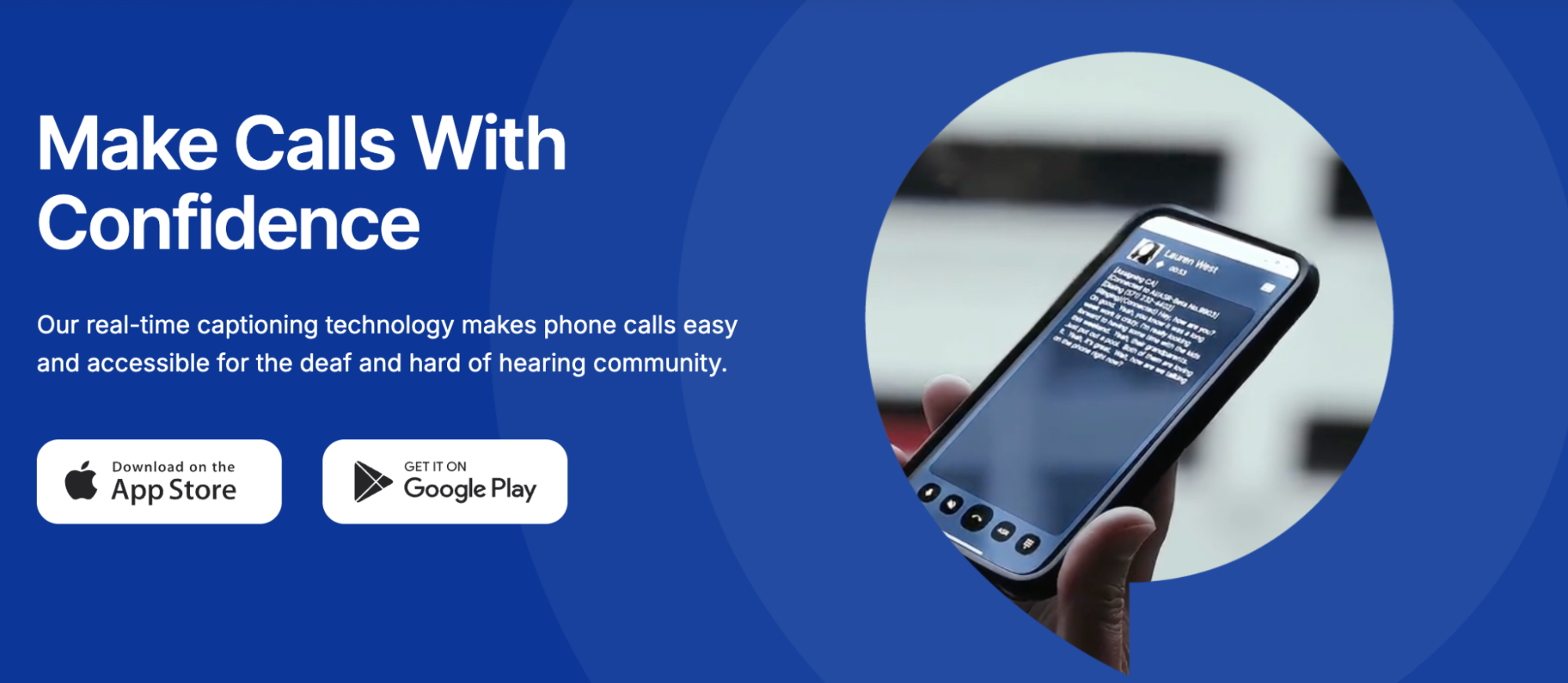
InnoCaption is a separate app made for captioning phone calls. It’s available in the U.S. and funded through the FCC for people who qualify due to hearing loss. Calls are routed through the app, and captions are created using either AI or live captioners.
Instead of trying to support many situations, InnoCaption focuses on one: phone conversations.
What it does
- Captions incoming and outgoing phone calls
- Lets users choose between AI and human captions
- Saves call transcripts and captions voicemails
- Works outside the phone’s built-in dialer
Limitations
- InnoCaption uses two captioning modes — AI (automated speech recognition) and live stenographers — and recommends switching to human captioning if AI captions aren’t working well during a call, which acknowledges that automated quality can vary depending on the situation.
- To caption incoming calls reliably, users often must set up call forwarding from their regular number to their InnoCaption number, which adds extra steps compared with a built-in phone feature.
- Does not support in-person or video conversations
InnoCaption can help with phone calls, but it doesn’t cover other types of communication such as in-person live conversations.
When Conversations Don’t Stay in One Place
Most conversations don’t happen in just one way. A call might turn into a video chat, or continue later in person. For people who rely on captions, switching between different tools can make it harder to follow along.
Many captioning tools are built for only one situation. Some focus on phone calls. Others work quietly in the background on a device. When conversations move, those tools often stop being useful.
Nagish is built for live conversations, no matter where they happen. It provides real-time captions for phone calls, video calls, and in-person conversations in one app, so users don’t have to switch tools when the format changes.
Nagish is FCC-certified as an IP CTS provider, which means it meets federal standards for captioned phone services. Unlike traditional captioned call apps, it isn’t limited to phone calls only.
Privacy is another area users often care about. Nagish is designed to be 100% private, and conversations are not stored or shared. For many users, this matters as much as accuracy, especially when captions are used during personal, medical, or sensitive conversations.
Instead of routing calls or running quietly in the background, Nagish stays active during the conversation. Captions update as people speak and respond, helping users follow along in real time.
General feedback around Nagish often points to this consistency and privacy. People describe using it throughout the day for calls, meetings, and face-to-face conversations without needing to change tools or worry about where their conversations go.
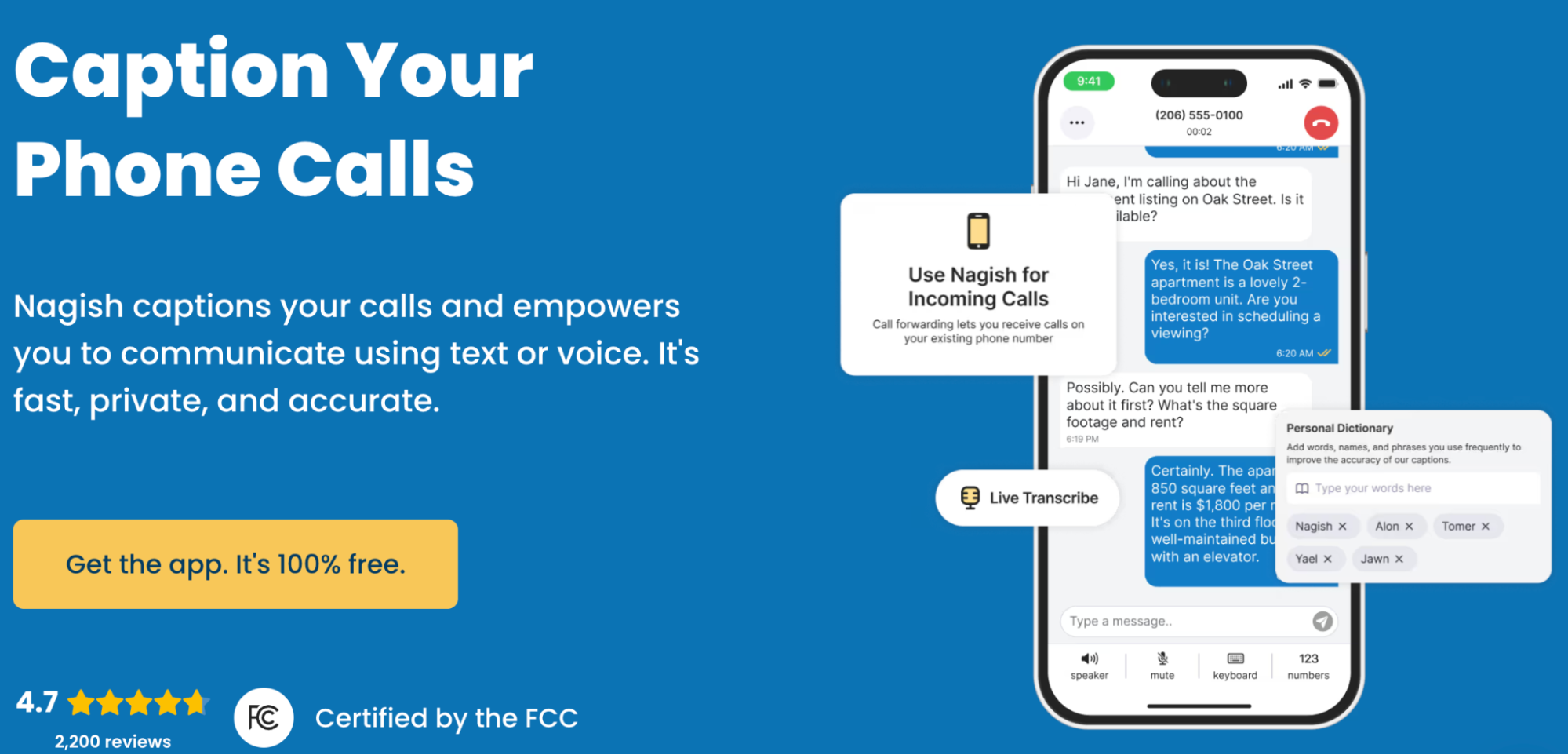
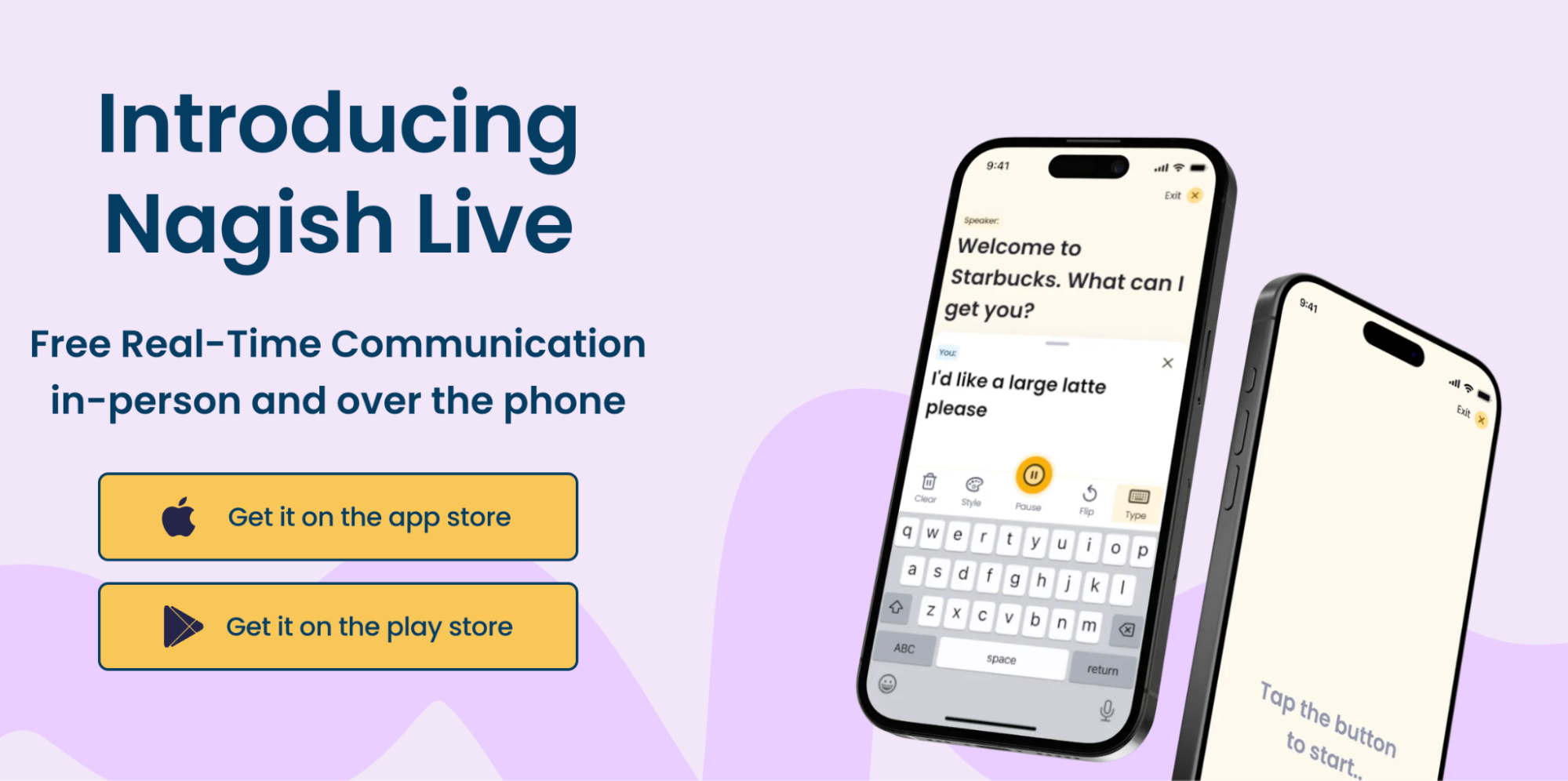
Nagish Live, another great feature offered for free to users, follows the same approach, focusing on real-time communication as it happens, particularly when conversations move quickly or change direction.
Final Thoughts
Live captioning tools are often evaluated on accuracy alone, but that’s only part of the picture. In real life, the bigger challenge is staying present in the conversation without constantly adjusting tools, settings, or expectations.
Apple Live Captions and InnoCaption can be useful in the right moments, but their limits become clear when conversations move quickly or change form. As communication becomes more fluid and less predictable, captioning tools need to support participation, and that’s where tools like Nagish become the ultimate solution.


Copywriter based in Miami, FL. Leads copywriting workshops and mentors women entrepreneurs at the Idea Center of Miami Dade College.